DSLs + AI Integration
Lorem ipsum dolor sit amet consectetur adipiscing elit. Quisque faucibus ex sapien vitae pellentesque sem placerat. In id cursus mi pretium tellus duis convallis.
What is a DSL?
Lorem ipsum dolor sit amet consectetur adipiscing elit. Quisque faucibus ex sapien vitae pellentesque sem placerat. In id cursus mi pretium tellus duis convallis.
Warp plugin
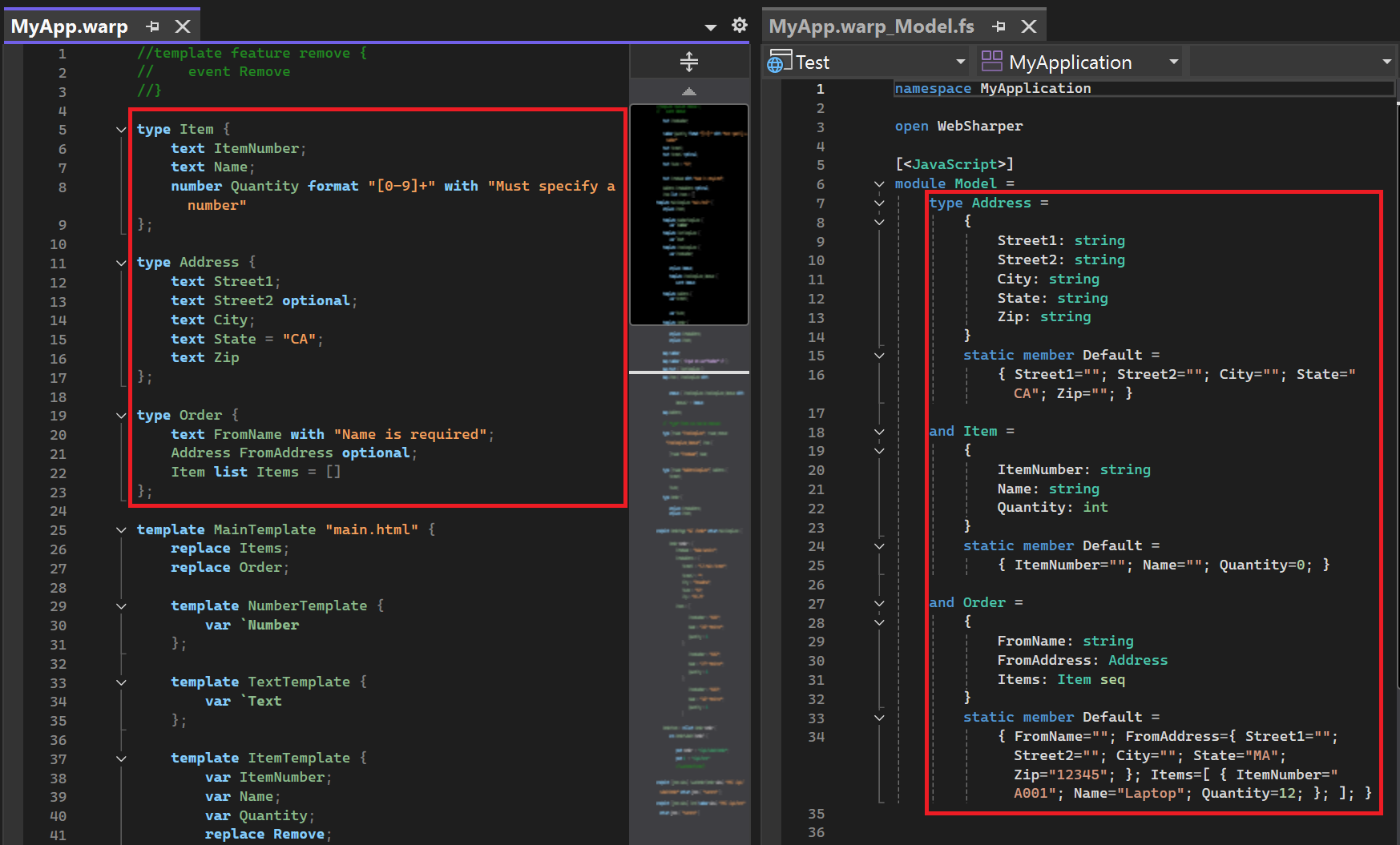
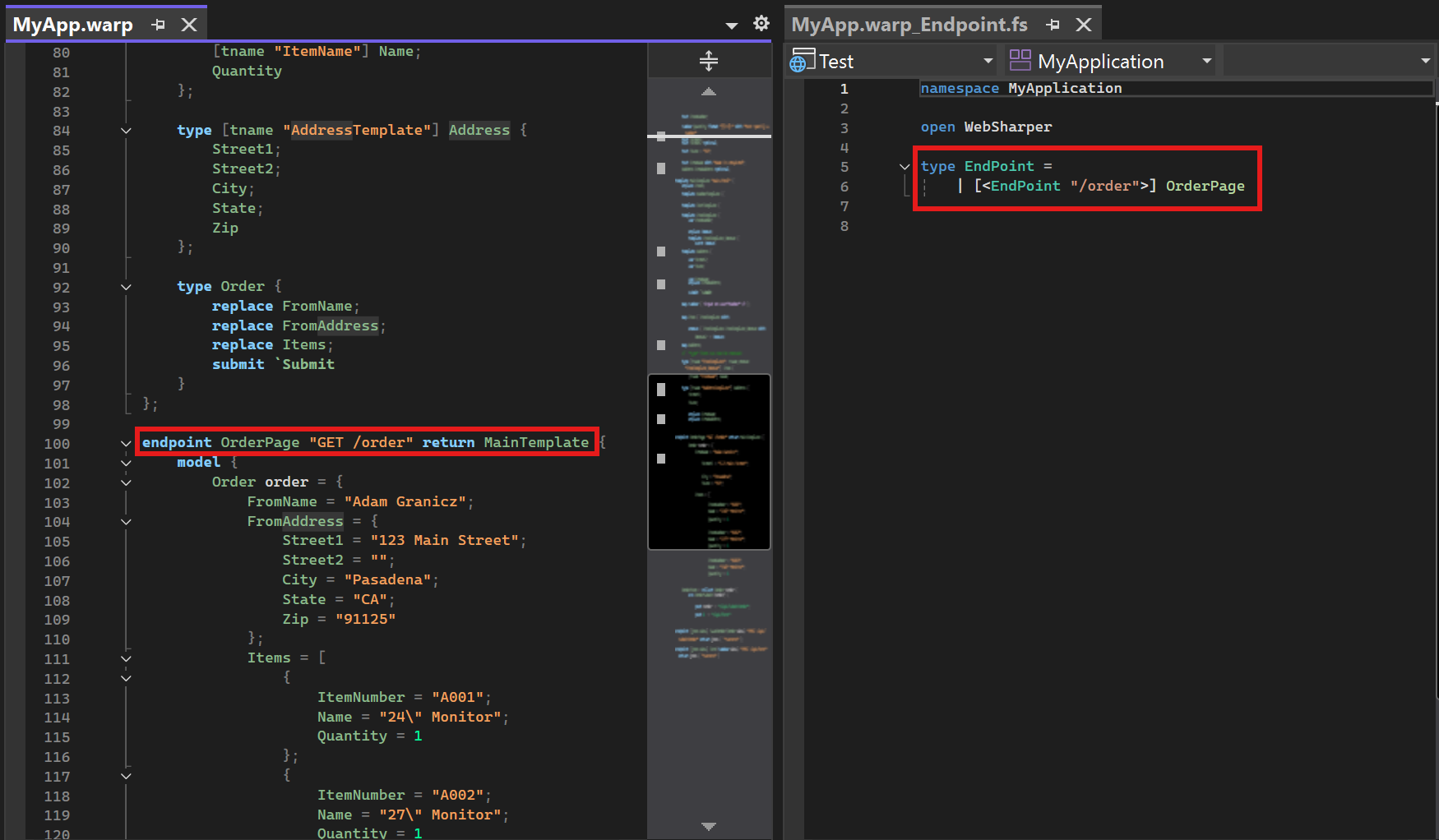
Lorem ipsum dolor sit amet consectetur adipiscing elit. Quisque faucibus ex sapien vitae pellentesque sem placerat. In id cursus mi pretium tellus duis convallis.
-
Feature 1
Lorem ipsum dolor sit amet consectetur adipiscing elit. Quisque faucibus ex sapien vitae pellentesque sem placerat. In id cursus mi pretium tellus duis convallis.
-
Feature 2
Lorem ipsum dolor sit amet consectetur adipiscing elit. Quisque faucibus ex sapien vitae pellentesque sem placerat. In id cursus mi pretium tellus duis convallis.
-
Feature 3
Lorem ipsum dolor sit amet consectetur adipiscing elit. Quisque faucibus ex sapien vitae pellentesque sem placerat. In id cursus mi pretium tellus duis convallis.
-
Feature 4
Lorem ipsum dolor sit amet consectetur adipiscing elit. Quisque faucibus ex sapien vitae pellentesque sem placerat. In id cursus mi pretium tellus duis convallis.
-
Feature 5
Lorem ipsum dolor sit amet consectetur adipiscing elit. Quisque faucibus ex sapien vitae pellentesque sem placerat. In id cursus mi pretium tellus duis convallis.
-
Feature 6
Lorem ipsum dolor sit amet consectetur adipiscing elit. Quisque faucibus ex sapien vitae pellentesque sem placerat. In id cursus mi pretium tellus duis convallis.

AI code review for WebSharper (VS Code)
Review, explain, and fix code without leaving the editor. Private by default, with optional WebSharper-docs context.
-
Stay in flow
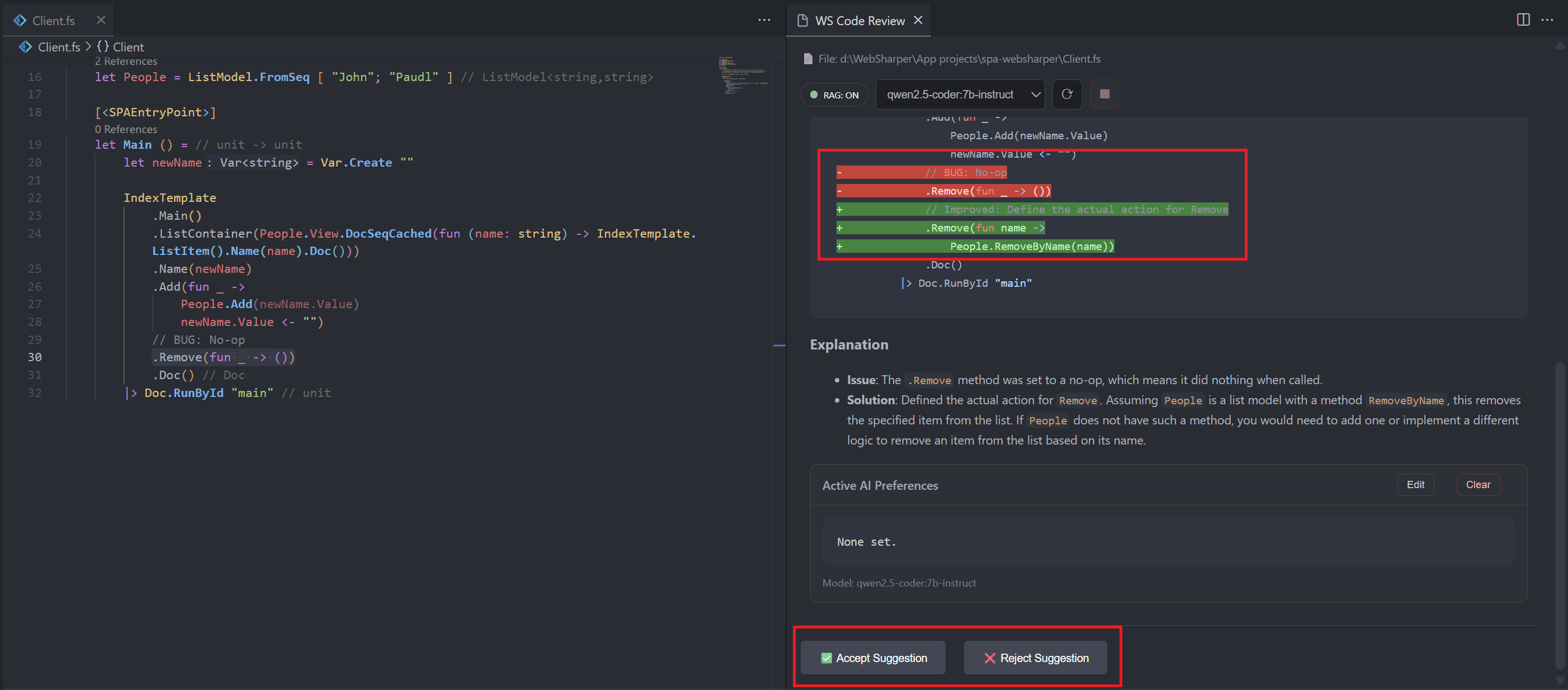
Get in-editor suggestions as a streamed diff. Accept or reject in one click.
-
Private by design
Runs locally with Ollama. No cloud calls. Works great offline.
-
WebSharper-aware when needed
Toggle RAG to enrich reviews with bundled WebSharper context.
-
Shadow Git snapshots
Keep a private audit trail of accepted edits. Browse and roll back anytime.
-
Model switcher & preferences
Pick your local coder model and steer tone, naming, and idioms via AI Preferences.
-
Works with huge files
Large-file safety falls back to selection-only, so you never lose control.
Setup & commands (for developers)
Quick start
- Install from Marketplace or run
code --install-extension souvanxay.ws-code-review. - Install Ollama, pull a coder model (
ollama pull qwen2.5-coder:7b-instruct), thenollama serve. - Open an
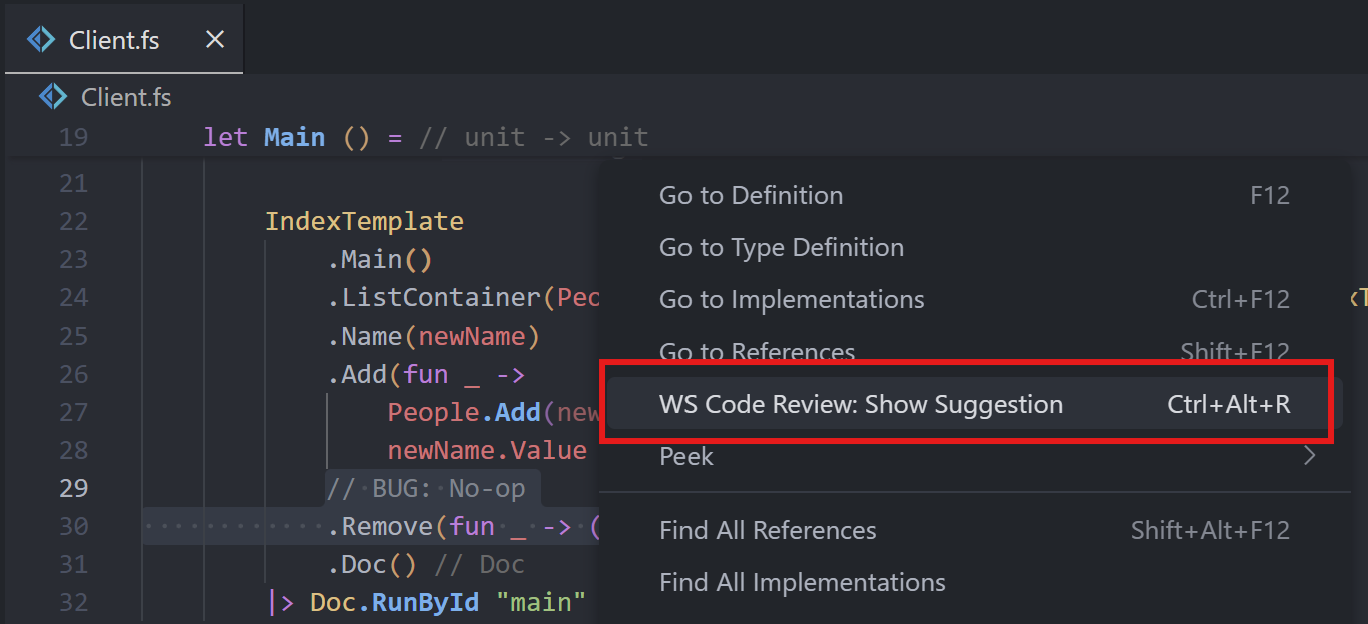
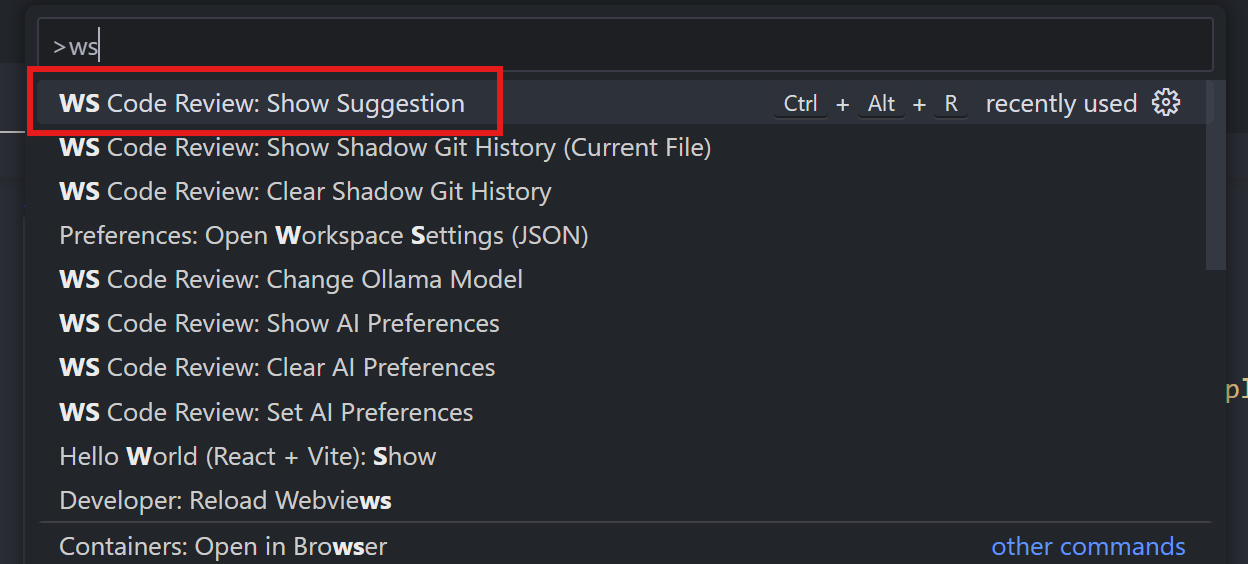
.fsfile. Run WS Code Review: Show Suggestion via shortcut, context menu, or Command Palette. -
Accept/Reject the suggestion. Enable Shadow Git to snapshot accepts:
"wsCodeReview.git.enable": true. -
For WebSharper-docs-aware reviews, toggle the RAG pill or enable
"wsCodeReview.rag.enable": true, then Refresh.
Commands
- WS Code Review: Show Suggestion
- WS Code Review: Change Ollama Model
- WS Code Review: Set / Show / Clear AI Preferences
- WS Code Review: Show / Clear Shadow Git History